
Career Counselling and Guidance
Building an ATS-Compliant Resume Online: A Guide

The Mintly Team
December 05, 2025If you’re applying for jobs online, there’s a good chance your resume is being scanned by an Applicant Tracking System (ATS) before a human ever sees it. An ATS helps recruiters filter, sort, and rank candidates—and if your resume isn’t optimized for it, you might get rejected before the real review even starts.
Here’s a clear, practical guide to building an ATS compliant resume online so your application passes the scanner and gets in front of hiring managers.
What Is an ATS and Why Does It Matter?
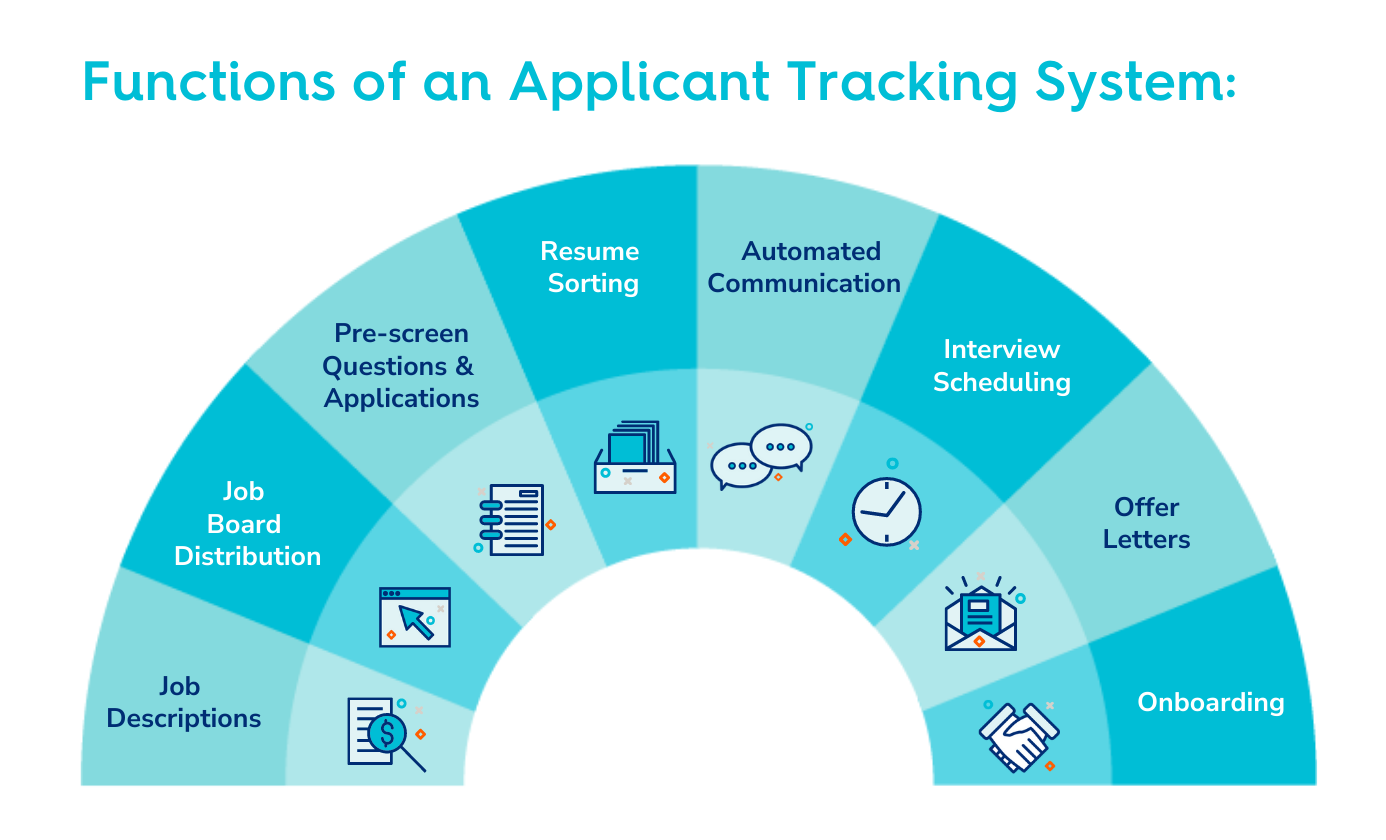
An Applicant Tracking System is software that:
- Parses (reads) your resume
- Extracts key information (name, contact info, skillsets, experience, etc.)
- Matches that information against job requirements and keywords
- Ranks or filters candidates based on fit
If your resume is poorly formatted or missing important keywords, the system may:
- Misread your information (wrong dates, missing job titles, etc.)
- Reject your application automatically
- Never show your resume to a recruiter, even if you’re qualified
Your goal: make it easy for the ATS to read, understand, and match your resume to the job.
Choose the Right Format and File Type
Use a Standard Layout
Stick to a traditional, simple format. The safest structure is:
- Header (Name + Contact Info)
- Professional Summary or Profile
- Skills
- Work Experience
- Education
- Certifications / Projects / Additional Information (if relevant)
Avoid:
- Multi-column layouts (some ATS struggle with them)
- Text boxes, tables, and graphics
- Unusual section titles like “My Journey” instead of “Work Experience”
Best File Types
When uploading your resume online:
- Preferred:
.docor.docx(most ATS parse these well) - Generally safe: PDF (but only if the job posting says PDFs are accepted and your PDF is text-based, not a scanned image)
- Avoid: image files (JPG, PNG), or “creative resume” builders that export as images or heavily stylized PDFs
If in doubt: use a clean Word document and save it as .docx.
Use ATS-Friendly Formatting
Fonts and Styling
Use standard fonts that are easy to read:
- Arial
- Calibri
- Times New Roman
- Verdana
Keep styling simple:
- Font size: 10–12 for body text, 14–16 for your name
- Use bold and ALL CAPS for headings if you want, but don’t overdo it
- Avoid excessive colors, graphics, or icons
Simple Bullet Points
Use standard bullets like:
- Solid round bullets
- Simple dashes
Avoid fancy symbols that might not parse properly.
Avoid Headers, Footers, and Complex Elements
Some ATS tools have trouble reading content in headers and footers, so:
- Put your contact info at the top of the main body instead of in a document header
- Don’t use text boxes, shapes, or charts
- Don’t embed images (logos, icons, signatures)
Use Clear, Standard Headings
ATS software systems often look for recognizable section headings. Use common labels like:
- “Professional Summary”
- “Work Experience” or “Professional Experience”
- “Education”
- “Skills”
- “Certifications” or “Licenses”
- “Projects” (if relevant)
Avoid creative section names that may confuse the parser.
Optimize Your Resume with Keywords
ATS tools rely heavily on keywords to judge fit. These usually come from the job description.
How to Find the Right Keywords
- Read the job description carefully.
- Highlight important skills, tools, and requirements:
- Technical skills (e.g., Python, Salesforce, Excel)
- Soft skills (e.g., communication, leadership, problem-solving)
- Industry-specific terms (e.g., GDPR, HIPAA, Agile, Scrum)
- Look for repeated phrases—they’re often high priority.
Where to Use Keywords
Include keywords naturally in:
- Your Professional Summary
Example:
“Marketing Specialist with 5+ years of experience in digital marketing, SEO, and content strategy for B2B SaaS companies.” - Work Experience bullets
Example:
“Led an Agile software development team of 6 engineers to deliver cloud-based CRM features using Python and SQL.” - Skills section
Example:- Skills:
- Programming: Python, Java, SQL
- Tools: Salesforce, Tableau, Excel
- Methods: Agile, Scrum, A/B Testing
- Skills:
Don’t just create a long “keyword dump” at the bottom. Use them meaningfully to describe real experience.
Structure Your Work Experience for ATS and Humans
Your Work Experience section is crucial for both ATS and recruiters.
Use a Clear Format
For each role, use this structure:
Job Title
Company Name — City, State
Month Year – Month Year (or “Present”)
- Achievement/result bullet
- Achievement/result bullet
- Tools, methods, or technologies used
Example:
Digital Marketing Specialist
ABC Tech — Austin, TX
June 2020 – Present
- Increased organic website traffic by 45% over 12 months through SEO and content optimization.
- Managed $50K/month in Google Ads and Facebook Ads with a 20% improvement in ROI.
- Collaborated with product and sales teams using Agile methods to align campaigns with product launches.
Focus on Achievements, Not Just Duties
ATS checks for skills and keywords, but humans will review your achievements. Use:
- Action verbs: “led,” “developed,” “managed,” “improved,” “implemented”
- Numbers and metrics: “increased sales by 25%,” “reduced costs by 10%,” “managed a team of 5”
Build an ATS-Friendly Skills Section
Your Skills section is a keyword goldmine.
Separate Hard and Soft Skills (Optional but Helpful)
You can group skills like this:
- Technical Skills: Python, SQL, Excel, Tableau, Salesforce
- Marketing Skills: SEO, Google Ads, Email Marketing, Content Strategy
- Soft Skills: Communication, Leadership, Problem-Solving
Pull terms directly from the job description when they apply to you.
Use Exact Phrases from the Job Posting
If the job asks for “Customer Relationship Management (CRM) tools,” you might include:
- “Customer Relationship Management (CRM): Salesforce, HubSpot”
This helps match the exact wording the ATS is searching for.
Use Online Resume Builders Wisely
There are many online resume tools that promise ATS-friendly templates. When building your resume online, keep these tips in mind:
What to Look For in an Online Builder
- Simple, single-column templates
- Clearly labeled sections (Experience, Education, Skills)
- Option to export as
.docxand/or a text-based PDF - No mandatory graphics or icons
What to Avoid
- Templates that rely heavily on columns, graphics, charts, or icons
- Resumes that look “designed” more than they look readable
- Builders that only export image-based PDFs
After generating your resume online, test it:
- Copy all the text from the exported file and paste it into a plain text editor (like Notepad).
- Check if the order makes sense (name > summary > experience > etc.).
- Ensure nothing is out of place or jumbled—if it is, the ATS may also struggle.
Tailor Each Resume to the Job
Submitting the same generic resume to every job can hurt you with ATS.
For each application:
- Read the job description carefully.
- Adjust your summary to emphasize the most relevant experience.
- Add or reorder skills to match the job’s priorities.
- Emphasize relevant projects, tools, and results in your experience bullets.
You don’t need to rewrite the entire resume, but small, targeted edits will boost your match score in many ATS systems.
Avoid Common ATS Mistakes
Here are frequent issues that cause ATS problems:
- Using images instead of text for key details (like putting your skills in an infographic).
- Hiding keywords in white text or tiny fonts. This can backfire and may be considered dishonest.
- Using unusual job titles that don’t reflect your actual role. You can tweak wording but keep it honest.
Example: If your official title was “Customer Hero,” you might write:
“Customer Success Specialist (official title: Customer Hero)” - Leaving out dates for jobs or education. ATS often need dates to understand your history.
Final Checklist Before You Apply
Building an ATS compliant resume online is about clarity, structure, and strategic keyword use. By choosing the right format, following best practices, and testing your resume with online tools, you improve your chances of passing screenings and reaching hiring managers—bringing you one step closer to landing interviews and job offers.
All Tags
Loading...
Loading...